
Ecobee as setpoint controller but still set Flair room temps?

After digging through the knowledge base and old posts on here, it's a little vague to me whether or not this is possible. Ideally I'd like to keep my ecobee thermostat as the setpoint controller but occasionally set a specific room to cool/heat to a particular temp. Some of the language I've seen suggests maybe this is possible(?) or through scheduling? I haven't been able to get this to work though. Setting a room tile to, for example, 72 when it's 77 in the room does nothing other than say "holding", which is confusing because it indicates that it might be trying to do something, but nothing ever happens. I have 8 vents, 1 puck and remote ecobee sensors in each room. Do I have something setup incorrectly or is this just not possible?
-

This appears to be possible. I had the same question, but found that turning off the setting for 'Set Point Linking' fixed it.
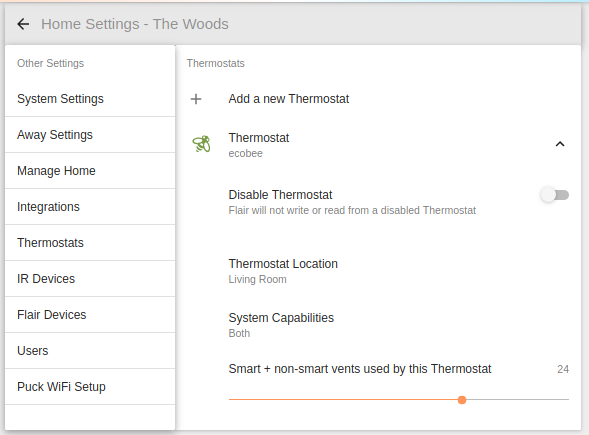
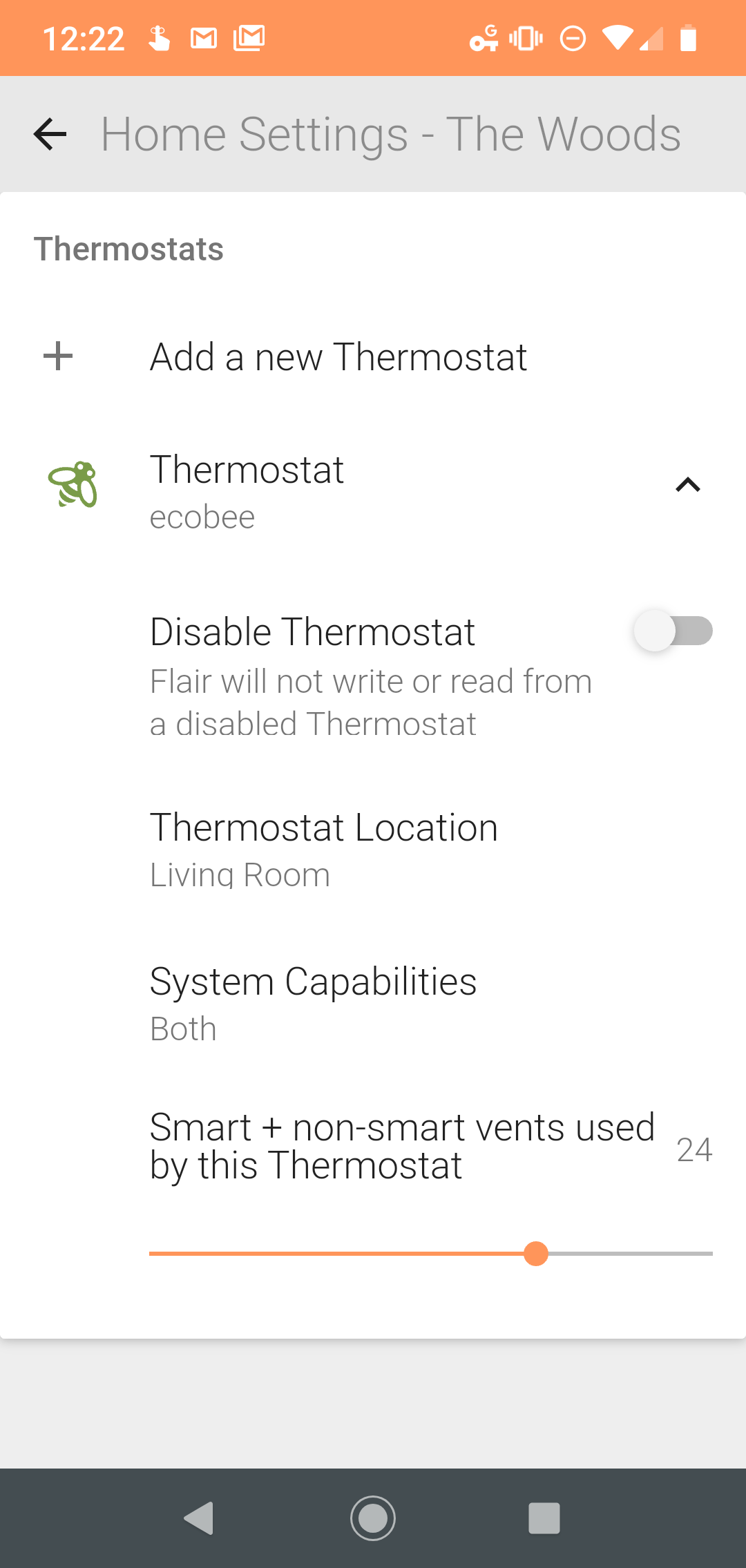
Go to Home Settings > Thermostats > Ecobee > and turn off the 'Set Point Linking' option. This should prevent any individual puck from overwriting the Ecobee setpoint. Now each puck just controls the room's temperature (opening and closing the vents only).
Side note... I wonder now what the benefit of integrating with the Ecobee was in this case? I'm hoping that the integration allows me to use move vents in rooms without pucks. A 'puck-less' room, if you will, that uses the App to change Room Set Points, and gets feedback via 'Remote Sensors' (ecobee room sensors). I'll have to buy a few more vents and test that out, I guess.
-
FlipABit - it seems that the suggested settings for this are:
1. Setup Flair per the following:
System Settings

System - Auto

Set Point Controller - Flair App

Home/Away - Thermostat

Set Point for home (set this as a desired baseline for when holds are removed)

Thermostats

Set Point Linking - Enabled
2. Set up a 'Room' in flair for every room in your house that has an ecobee sensor, thermostat, puck, or vent.
3. Set the thermostat's room to 'away' if it's not in a temperature-critical room.
4. Set up a schedule in the Flair app.
As your schedule or manual hold are applied, the Flair app then averages the Room Setpoints from each of the 'Active' rooms, and sends that to your thermostat. It then opens/closes each vent to regulate the room temperatures.
For example, let's assume I have 4 rooms:
Kitchen - 68°
Family Room - 72°
Bedroom - 73°
Hallway - AWAYIt averages the three active rooms [(68+72+73) / 3 = 71] and then sets the thermostat to 71°. Then you cross your fingers and hope it all works.
If you have a schedule set, it seems to apply a HOLD on the thermostat for the duration of the schedule, so this overrides any schedules you set on your thermostat.
Your Home/Away on the ecobee is used... I think. When the ecobee goes to it's Away state, I've noticed that all the rooms are also set to 'Away' in Flair. Unfortunately, I have no idea what that does. I'm guessing it closes all the vents and only opens one if the room exceeds your ecobee's away temperature.
-
UPDATE: -
It looks like there's some fuzzy logic in determining the Thermostat Set Point. Here's what my system looked like at start:
- Hallway [Flair: AWAY, Current: 73.1°F, unoccupied]
- Master Bed [Flair: AWAY, Current: 73.0°F, unoccupied]
- Family Room [Flair: AWAY, Current: 74.7°F, unoccupied]
- Red Room [Set: Flair, Current: 72.9°F, unoccupied]
- Turquoise Room [Flair: 68°F, Puck Current 70.5°F, Ecobee Current: 73°F, unoccupied]
- Thermostat [Flair override Hold: 72°F, Current: 74°F]
Notice that the thermostat reading seems to be averaging all the rooms, since they're all unoccupied. It's only using the ecobee readings, though... the Puck reading isn't considered.
It seems then, that the Flair system notes the delta ∆T between the setpoint of the active room (68°F) and the current reading of the active room (70°F) and then apply that offset (-2°F) to the thermostat. It told the thermostat to use 74°F - 2°F = 72°F
Which actually worked well. The cycle began, and by the end of the A/C cycle, the temperatures were:
- Hallway [Flair: AWAY, Current: 71.1°F, unoccupied] (∆= -2°F from start)
- Master Bed [Flair: AWAY, Current: 71.2°F, unoccupied] (∆= -1.8°F from start)
- Family Room [Flair: AWAY, Current: 71.8°F, unoccupied] (∆= -2.9°F from start)
- Red Room [Set: Flair, Current: 71.4°F, unoccupied] (∆= -1.5°F from start)
- Turquoise Room [Flair Room SP: 68°F, Puck Current 67.8°F, Ecobee Current: 72°F, unoccupied] (∆= -2.2°F from start ... according to Puck)
- Thermostat [Flair override Hold: 72°F, Current: 71°F] (∆= -3°F from start)
Note that the Turquoise Room has conflicting measurements between the Puck and ecobee room sensor. Its error is 2.5°F. The good new here is that it seems that the error in temperature data won't affect anything, since it's only applying offsets and not absolute values.
Note... this is just a cursory analysis. I'm just now getting familiar with the system and so I only have a single datapoint to work from. More testing will tell if the above is true! I'll soon have more than one vent to help redirect air, too.

Please sign in to leave a comment.
Comments
8 comments